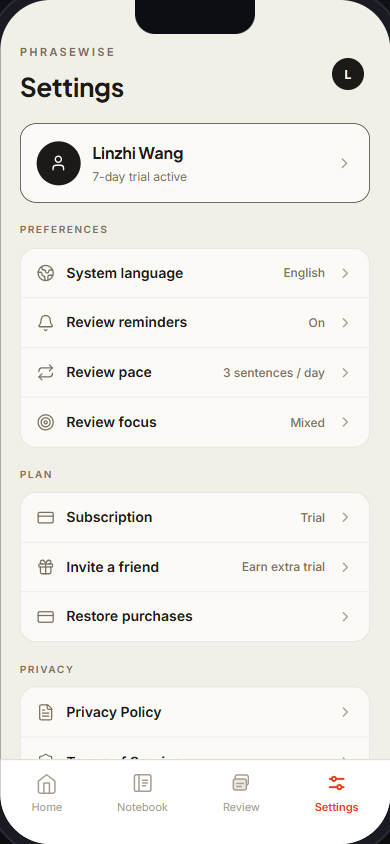
Phrasewise: Dust off your saved words, gently
Phrasewise is a mobile language tool for bilinguals who often use translation in their daily lives, always feel a need to double-check messages /expressions with AI writing tools before sending them out, but still struggle to retain what they learn.
The product started from the simple pain points:
Google Translate lets users save words, but those saved words often disappear into a list and never become usable language.
LLMs can rewrite messages well, but users have to repeatedly explain the intent, and the learning history is not structured.
Streak-based language apps that turn learning into a pressure-driven process are also tiring.
Phrasewise is trying to sit between those behaviors: a focused communication tool that also remembers useful words, phrases, and patterns grow from the real communication needs, then turns them into a low-friction review.
Dev Log:
9.1-9.16 Build Log #06
Phrasewise is on TestFlight, and Review finally has a memory
The biggest milestone this stretch: Apple approved the external TestFlight beta on 9.14.
How to install (iPhone only):
1. Open this link in Safari: https://testflight.apple.com/join/c2ZhK6TW
2. Install Apple's free TestFlight app when prompted
3. Go back to the link, tap Accept, then Install
Sign in with Apple and Google now run natively inside the app instead of bouncing out to a browser.
Three product changes I'm most excited about:
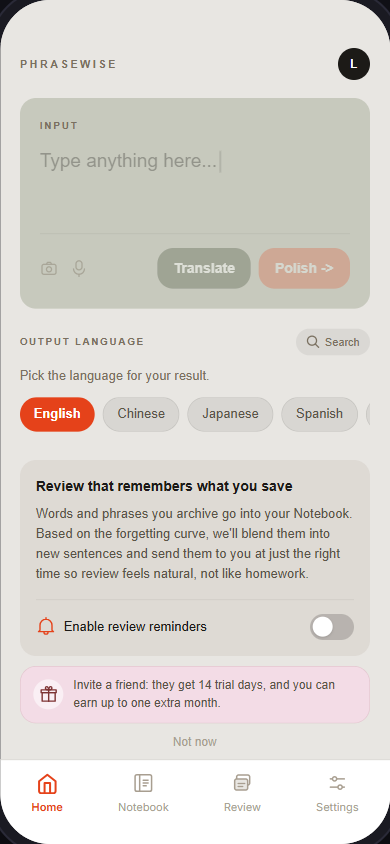
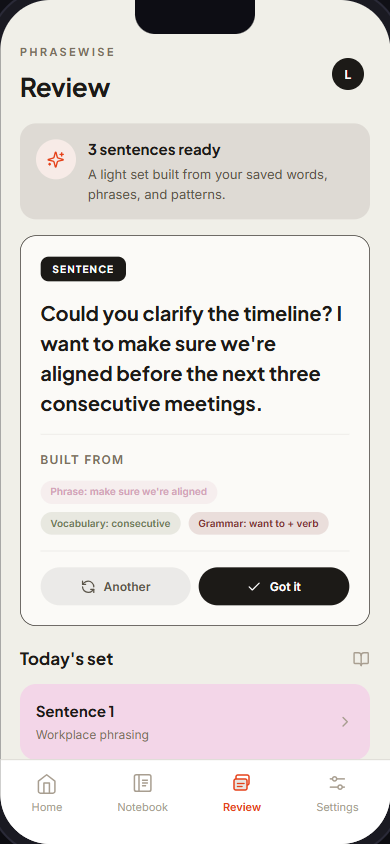
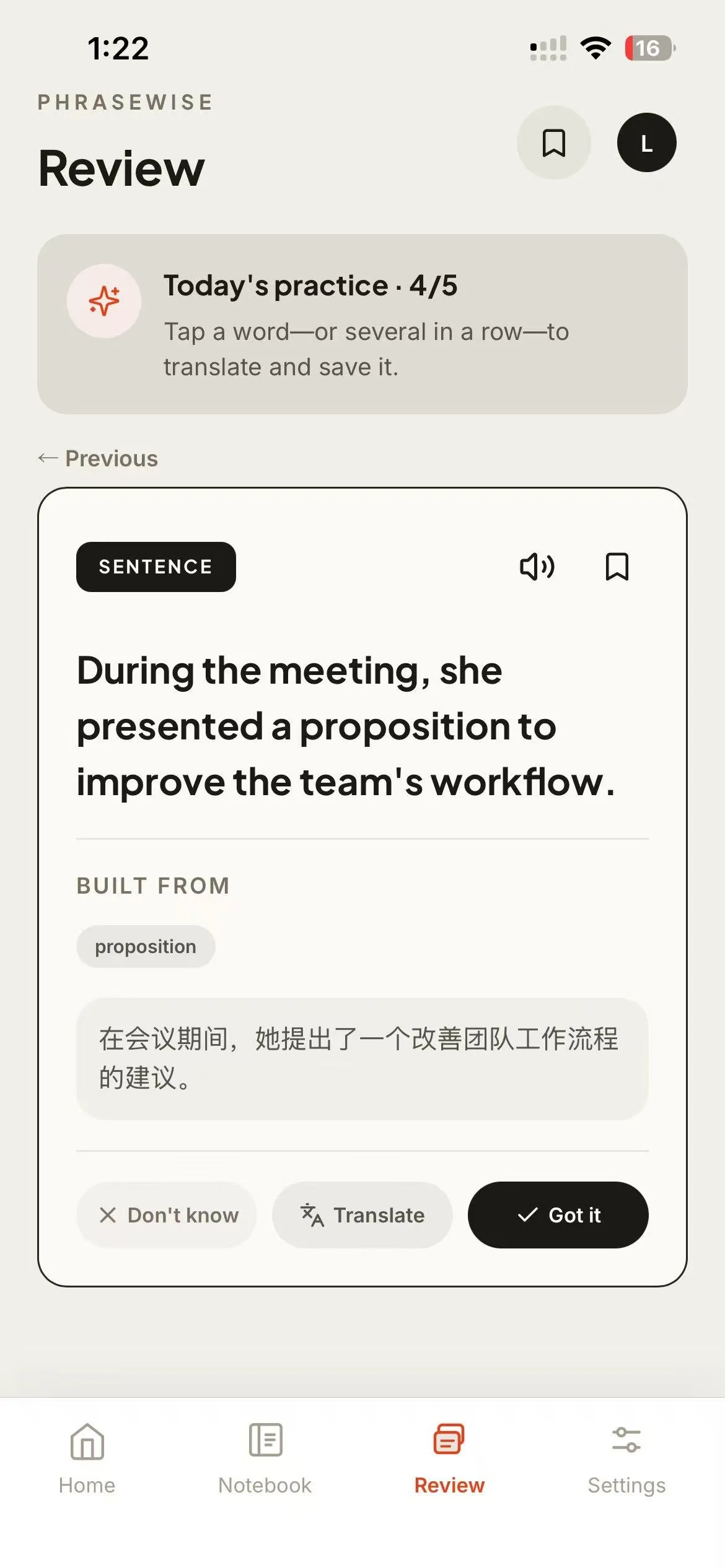
Review now runs on a real memory schedule (FSRS, the algorithm behind modern spaced-repetition apps). Each card has two honest answers, Got it or Don't know. A word never comes back the same day, words that are due come first, and a newly saved word gets its first review the next day rather than immediately.
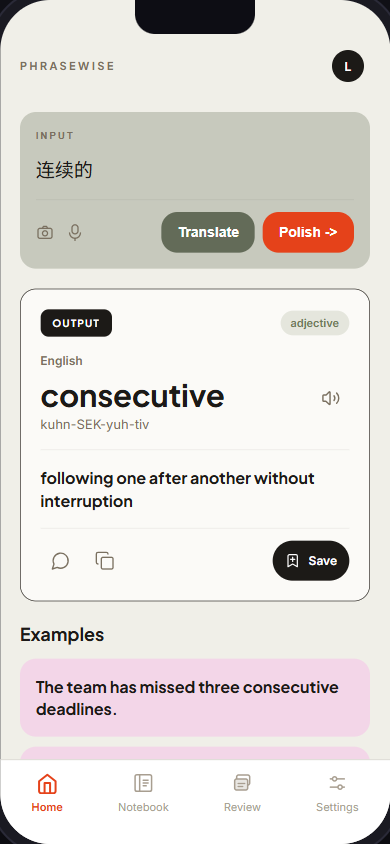
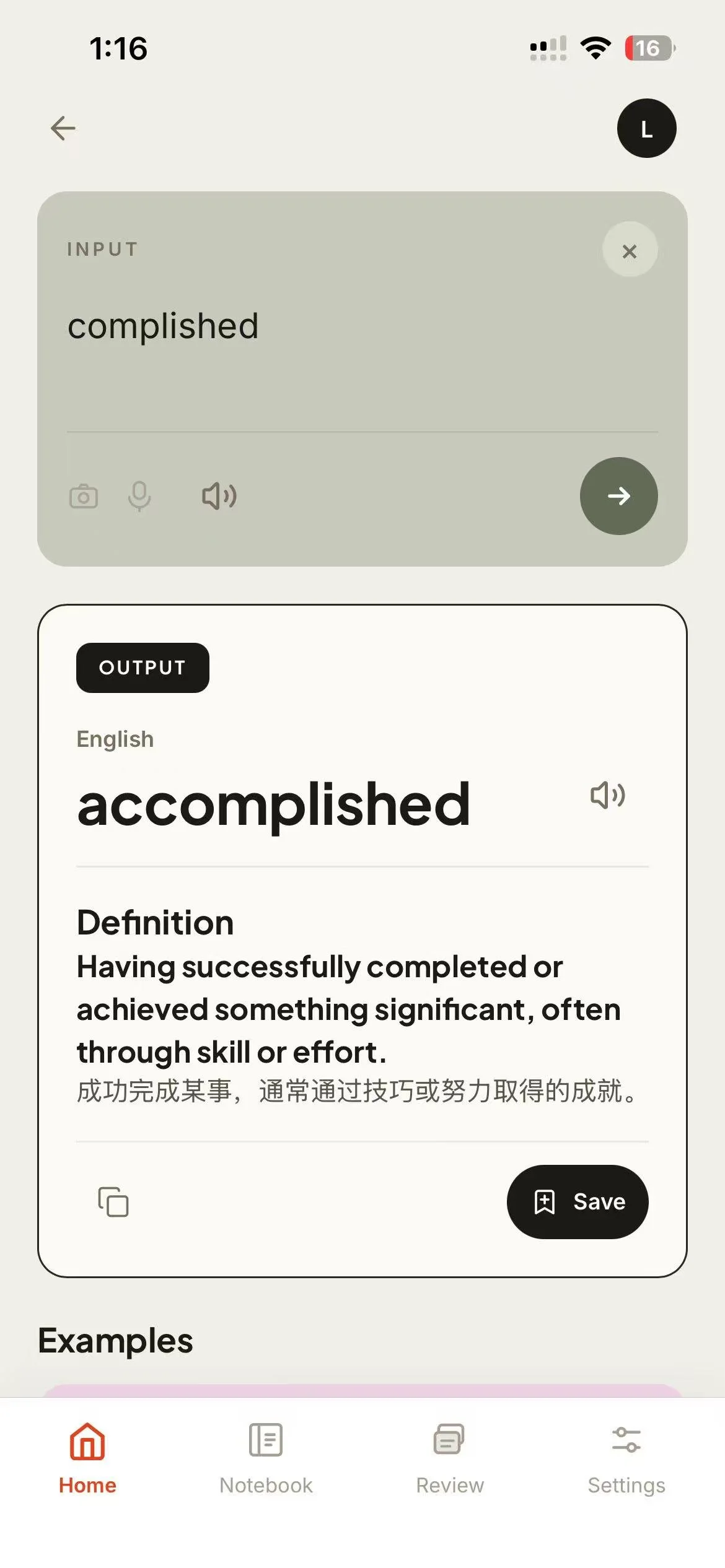
Translate now catches a misspelled single word, translates the corrected one, and tells you. If the "typo" was intentional, one tap translates exactly what you typed.
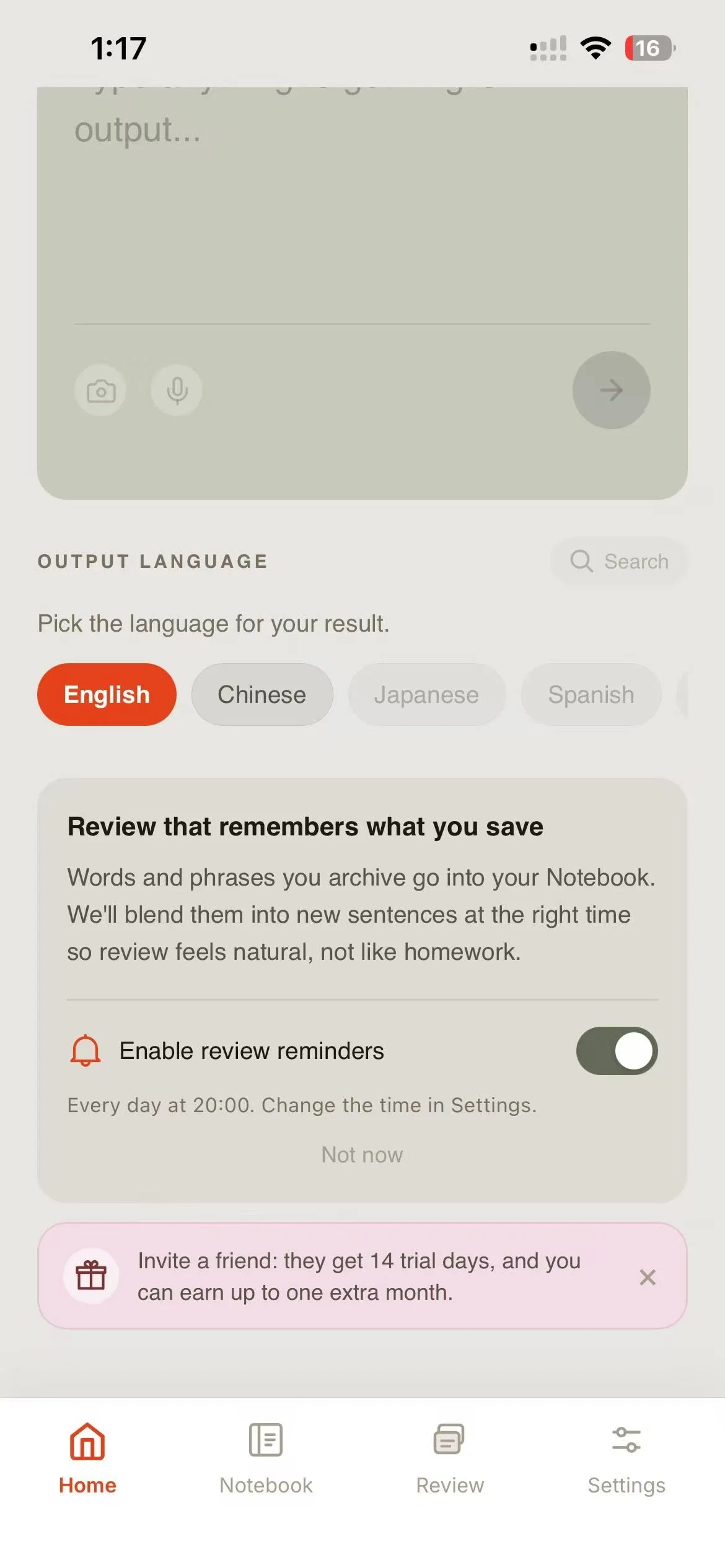
Review reminders are scheduled on the phone itself, at the time you pick, and skip any day you've already finished. If notifications are blocked, Phrasewise opens its own page in iPhone Settings instead of leaving you to find it.

I also went after speed. The translation streams in word by word while the definition and examples are still being written.
8.5-8.24 Build Log #05
Making it feel fast, and getting ready to leave the browser
After living with the app for a few weeks, the clearest problem was waiting. My own timing samples put Translate at about 8 seconds and a Review sentence at over 20. These were single measurements, not averages, but you could feel it.
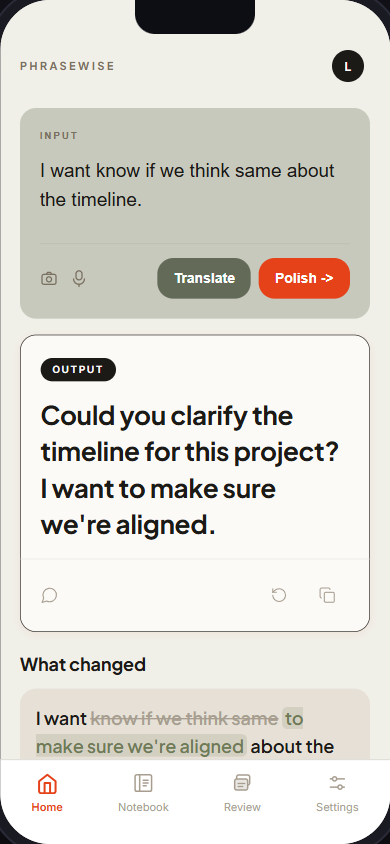
So this stretch was mostly performance work. Polish and Propose now stream: the first words appear while the model is still writing, and only a checked, saved final result replaces them. Review prepares the next sentence in the background while you're still reading the current one, so pressing Next shouldn't mean starting from zero.
The other half was App Store groundwork. Apple requires in-app account deletion, so Settings now has it: you type DELETE to confirm, you must have signed in within the last 10 minutes, and everything you own is removed before the account itself. I also wrapped the existing web app in Capacitor, a native iOS shell, with its privacy manifest and store metadata drafted.
Still unfinished: none of the native work had touched a real Mac, Xcode, or iPhone yet. That's what September was for.
7.23-8.4 Build Log #04
From "it works" to a daily learning loop
With the backend live, I spent these two weeks on the loop that makes Phrasewise more than a translator.
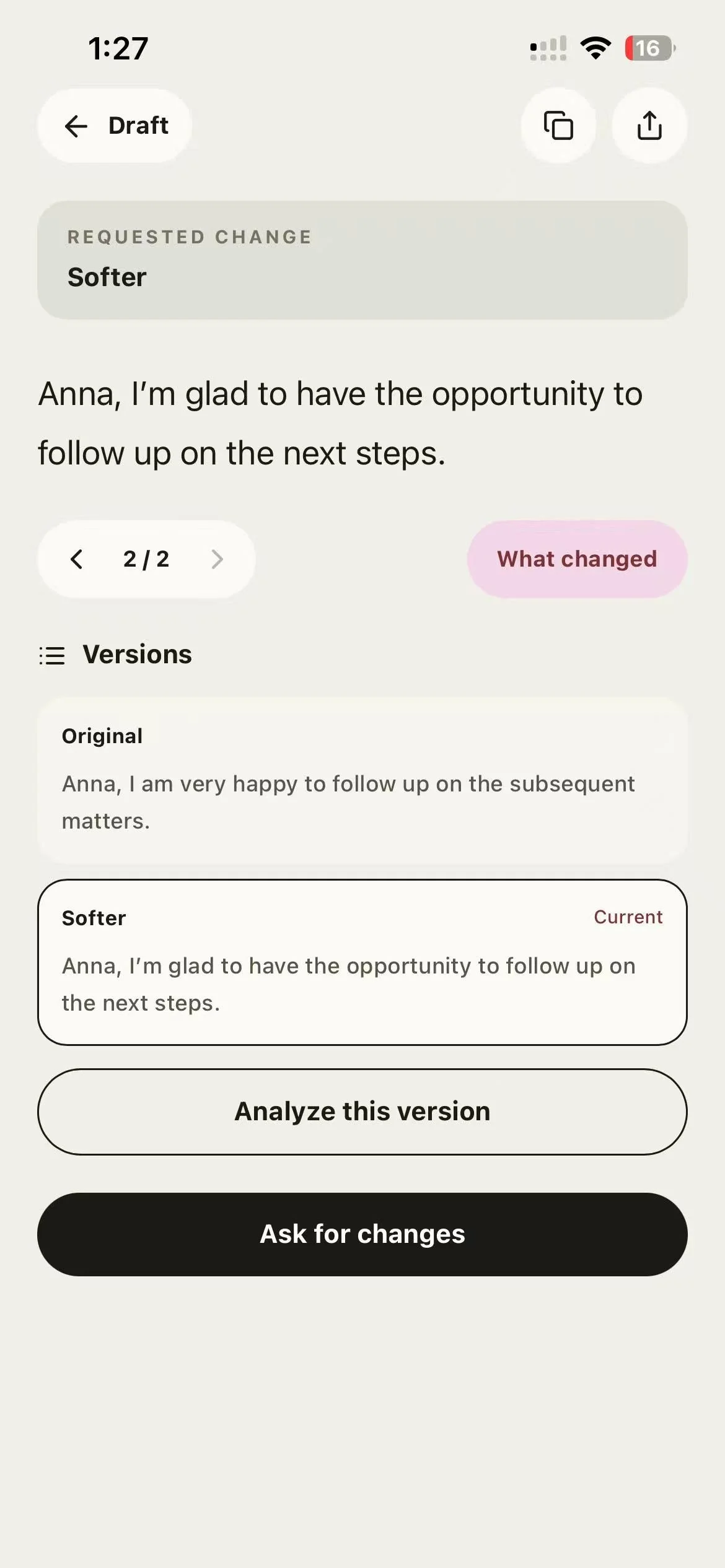
Review got a daily goal with visible progress, a clear Continue learning once you're done, and the ability to tap any word or phrase in a Review sentence, translate it, and save it. Sentences go through a quality check before you see them, so forced or unnatural combinations get thrown out. Pronunciation now works across Translate, Notebook, and Review, and it was the first feature I accepted on my own phone.
Results became editable everywhere: change the input, clear it, or regenerate, without losing the last good answer. Propose keeps versions, so you can ask for changes and step back to an earlier draft. Translate shows the core translation first and fills in the detail afterwards, with the definition and examples in the language you're learning plus a separate layer in the language you're comfortable with.
On 8.3 this shipped as a public web app at phrasewise.vercel.app. On 8.4 I ran the phone checklist: almost everything passed, except speed (Review and word lookups were still too slow) and the Home text box, which was still too short.
Still unfinished: speed, and Settings pages that respond but don't all lead anywhere yet.
6.17-7.22 Build Log #03
Wiring the prototype to a real backend
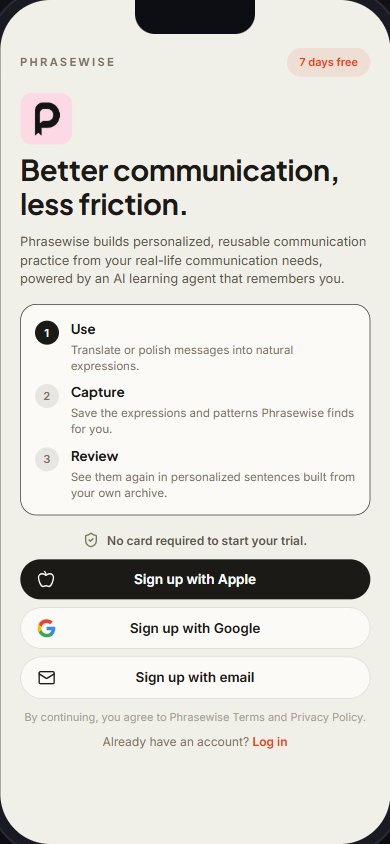
Build Log #02 ended with the backend as an unconnected slice. This stretch connected it. Polish, Translate, Propose, Notebook, and Review now all call the real Supabase backend, and Review sentences are written by a real model instead of mock data. Google sign-in works, and the free trial starts without a payment card.
One direction changed. Build Log #02 said the app would be built with Expo React Native. Instead, I shipped it first as a web app (a PWA you can add to your phone's home screen) and deployed it to Vercel on 6.18. The iOS app later reused this same web app inside a native shell rather than being rebuilt. (It would be easier if I still use Mac)
A lot of July went into the unglamorous part: Notebook entries that went missing when a lookup failed, sessions that expired silently, scrolling and the bottom navigation on iPhone. By 7.22 the full loop had been checked against production: sign-up and trial, Polish, Translate, Propose, Notebook, Import, and real Review generation. I also removed the fake phone frame from the web version, since it now runs on real phones.
Still unfinished: speed, and everything native (subscriptions, push notifications, the App Store).
6.9-6.16 Build Log #02
Phrasewise: Moving from prototype screens to a backend MVP loop
I made the MVP stack decisions: Expo React Native for mobile, Supabase for auth/database/functions, RevenueCat for subscriptions, Expo Push for reminders, and a backend-owned LLM provider router.
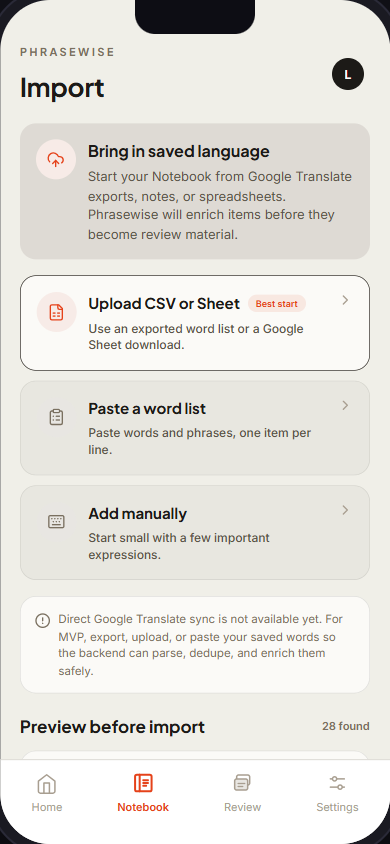
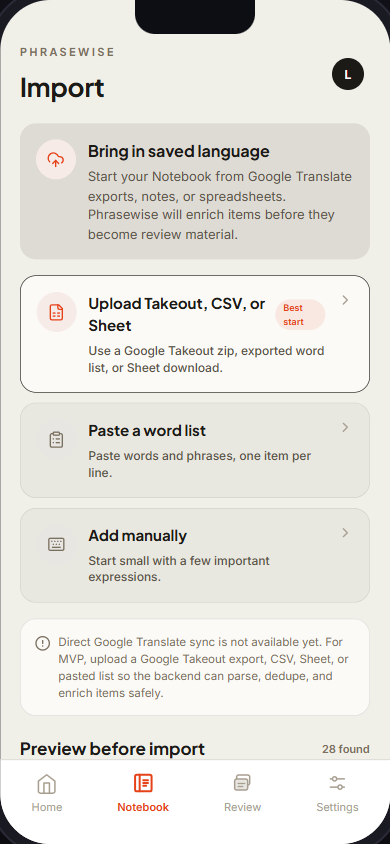
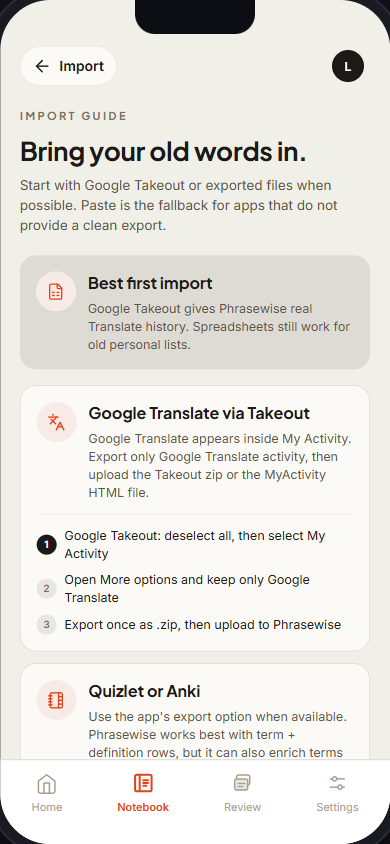
I also made import more realistic. Instead of fragile direct Google Translate sync, the MVP path now supports Google Takeout, CSV/Sheet upload.
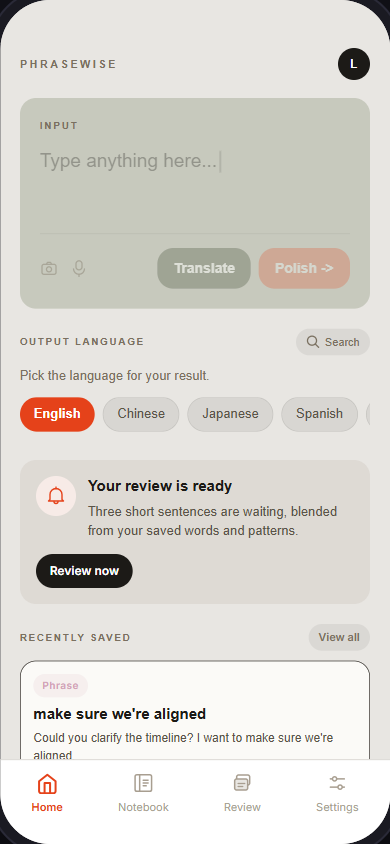
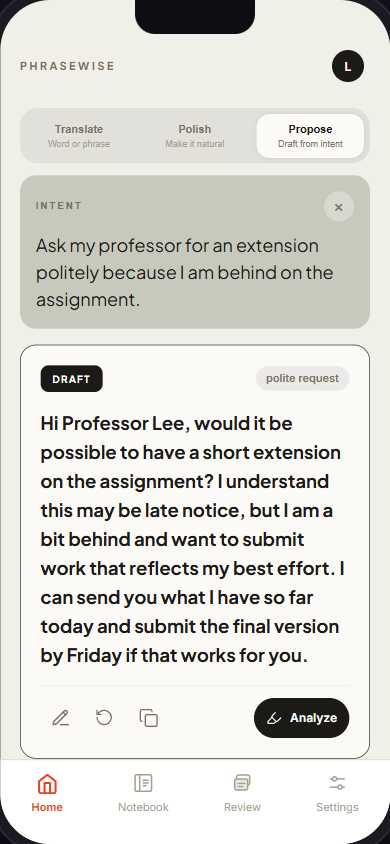
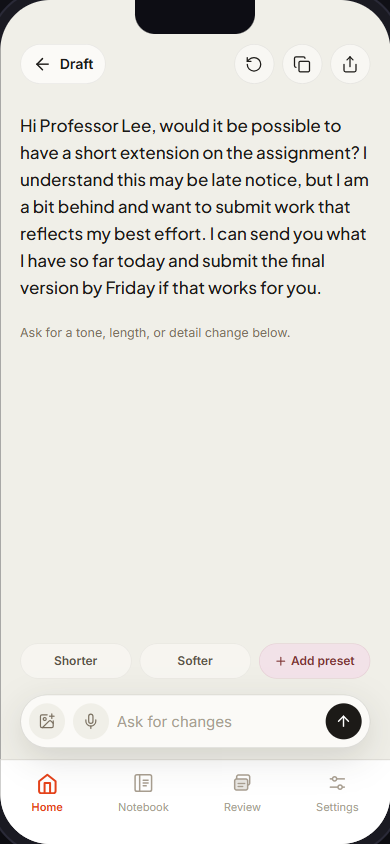
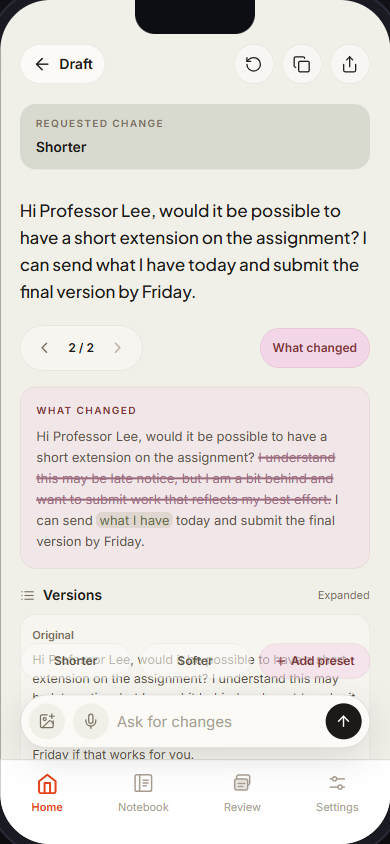
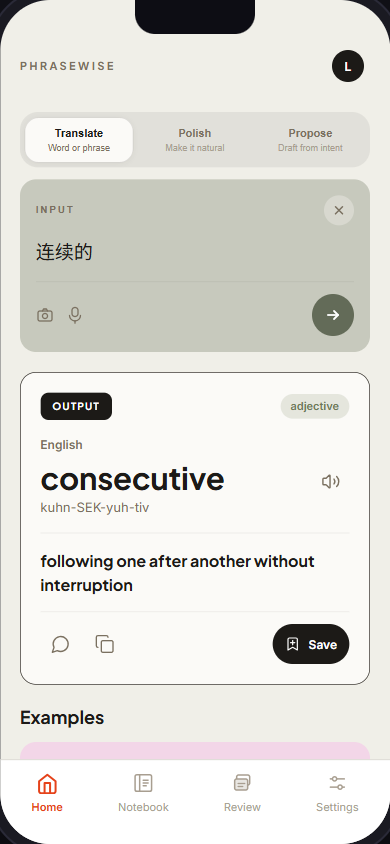
Furthermore, I explored a possible Propose / Edited Draft entry point: not just polishing text users already wrote, but helping them draft a message from intent. It points to a broader product question: Phrasewise may need to support both “fix what I wrote” and “help me say this” without becoming a generic chat app. I added three separate tabs on the top to indicate this new direction: Translate, Polish, and Propose.
What is still unfinished: the backend exists as a vertical slice, but it is not wired into the production mobile frontend yet. Supabase needs a shared dev project setup, secrets, deployed functions, and real frontend calls. RevenueCat and push notification behavior still need sandbox/device validation. The LLM provider decision is provisional: DeepSeek through OpenRouter looks promising on early evals, while OpenAI remains a fallback/comparison path.
6.1-6.8 2026 Build Log #01
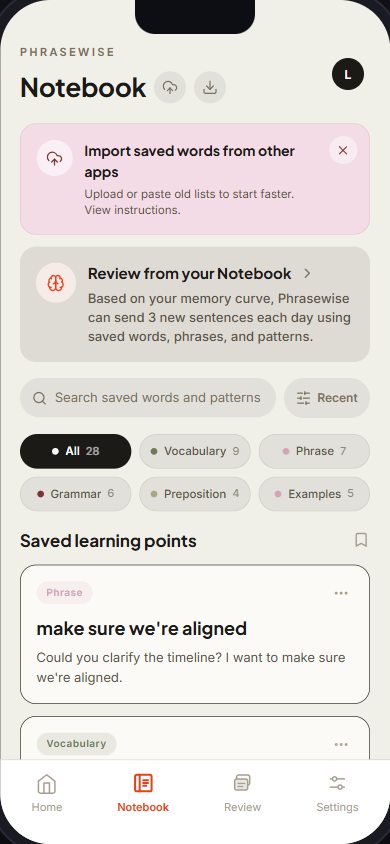
This week I pushed Phrasewise from a single rewrite screen into a fuller mobile app prototype: translate result, notebook, review, import, settings, onboarding/auth, paywall, and polished the design system a bit more.
A few important product decisions also became clearer: The trial should not require a payment card upfront; “practice” should feel like a gentle review, not homework; the Notebook should avoid pressure words like “due”; import should start with backend-feasible flows like CSV/paste/manual input rather than fragile private sync. (To change the small UI details with AI is kind of a back-and-forth process, and unnecessary token waste. I am still not so used to this “AI blended in workflow” workflow; I could have changed that in Figama within 30 seconds. The time you saved will be wasted somewhere else anyway, but I am excited about the Figma AI now, if a better design and front-end connection could be done with less friction.)
The core idea stayed the same: not just translation, but turning real communication needs into reusable practice.
Still unfinished: backend, real auth/payment/import instructions, legal/compliance screens, and real spaced-review logic/preferences.